My IPTV list won't load in the Tesla: how to send it from your phone
Some IPTV providers don't let a web page read their list, and the car's browser is a web page. Your phone can download it, though: with Frunk.tv it takes two taps on the phone, and the list reaches the car encrypted. Nothing to install.
How to tell if this is your case
When you add or open the list in the car, Frunk.tv says so: «Your provider doesn't let the car's browser read this list, or it isn't responding». What you see below it depends on the list:
- If its address starts with
http://(the most common case), the notice shows in compatible mode with the Get it with your phone button. Tap it and go on at http lists. - If it starts with
https://, the car shows a QR code right away: follow the step by step.
http lists: «Get it with your phone»
- In the car: tap Get it with your phone.
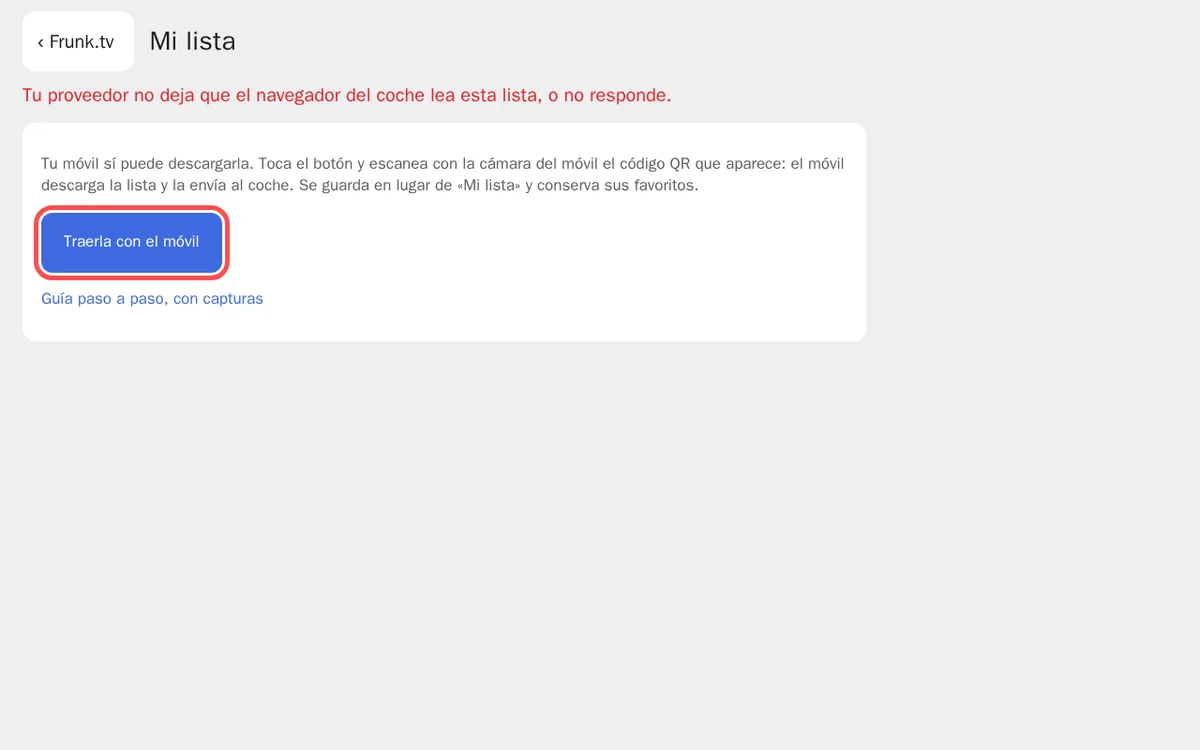
The provider won't let the list be read: the button takes you to get it with your phone. - In the car: a QR code appears. Scan it with your phone's camera and follow steps 2 to 4
below. The list that arrives replaces the one that wouldn't load and keeps its favorites:
you don't have to delete anything.
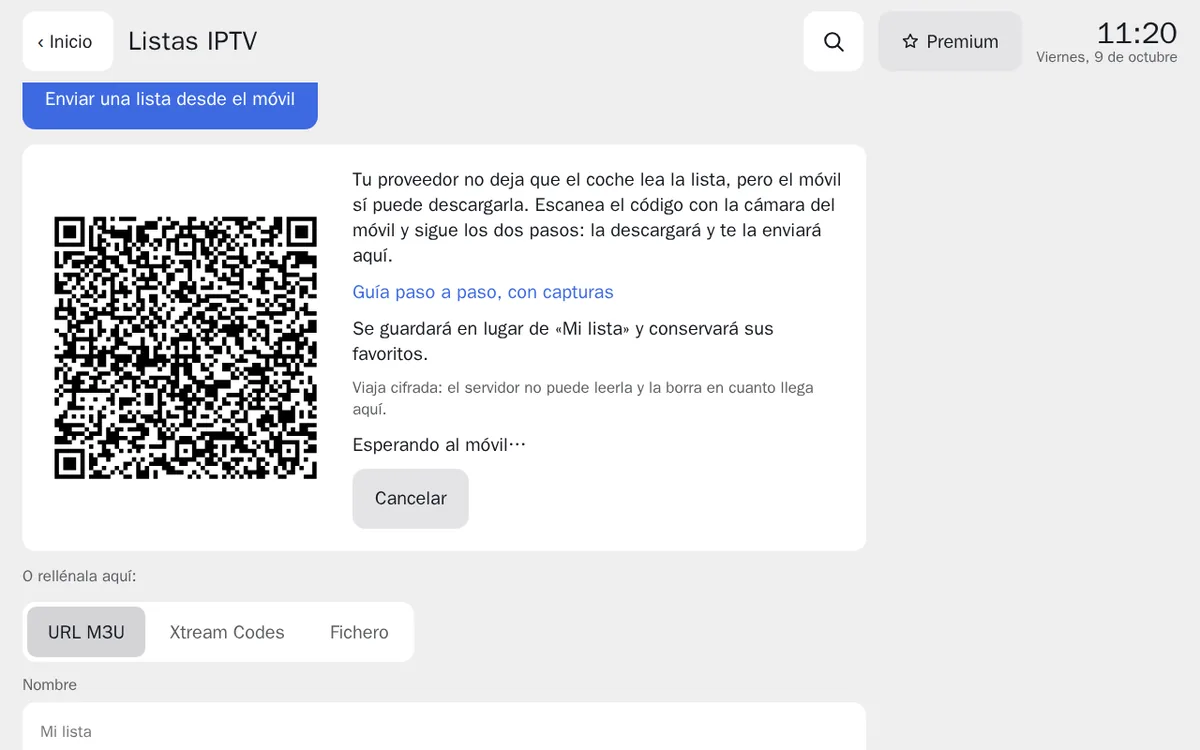
The code already carries your list; when it arrives, it takes its place. - Once you send it from your phone, the car goes back to compatible mode with your channels by itself.
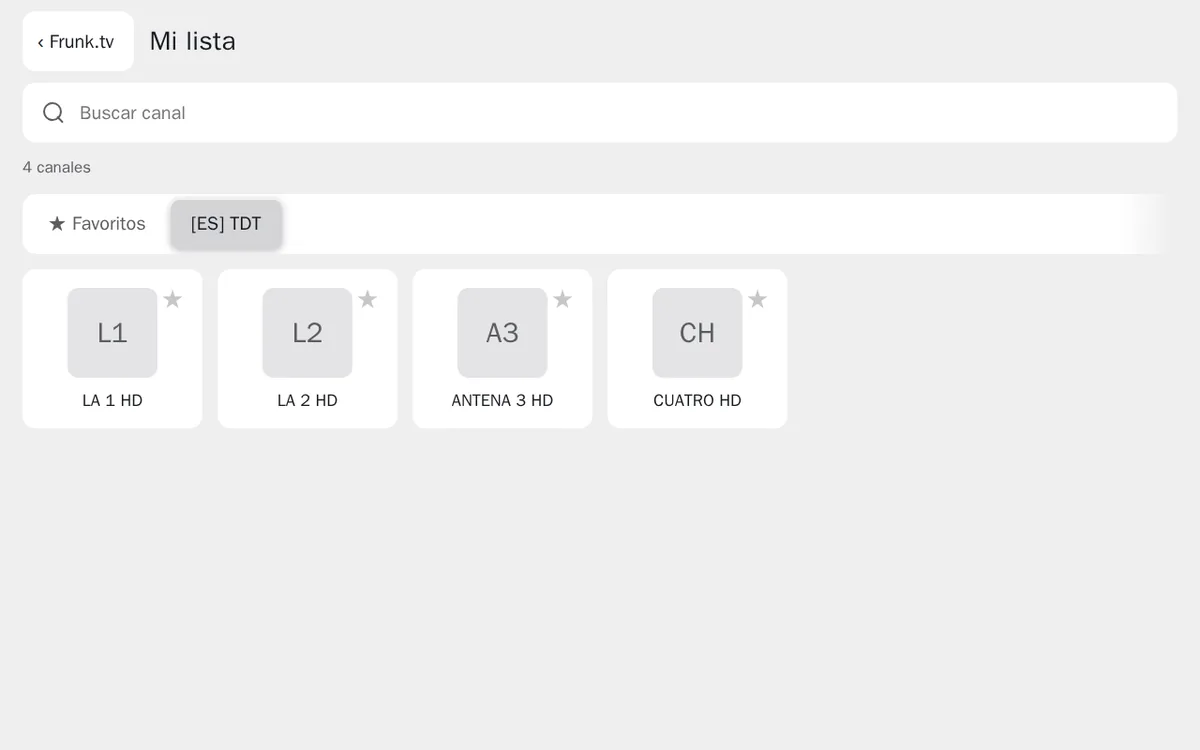
The list, now in the car.
Step by step
- In the car: scan the code that appears with your phone's camera. It already carries your
list, so there is nothing to copy.
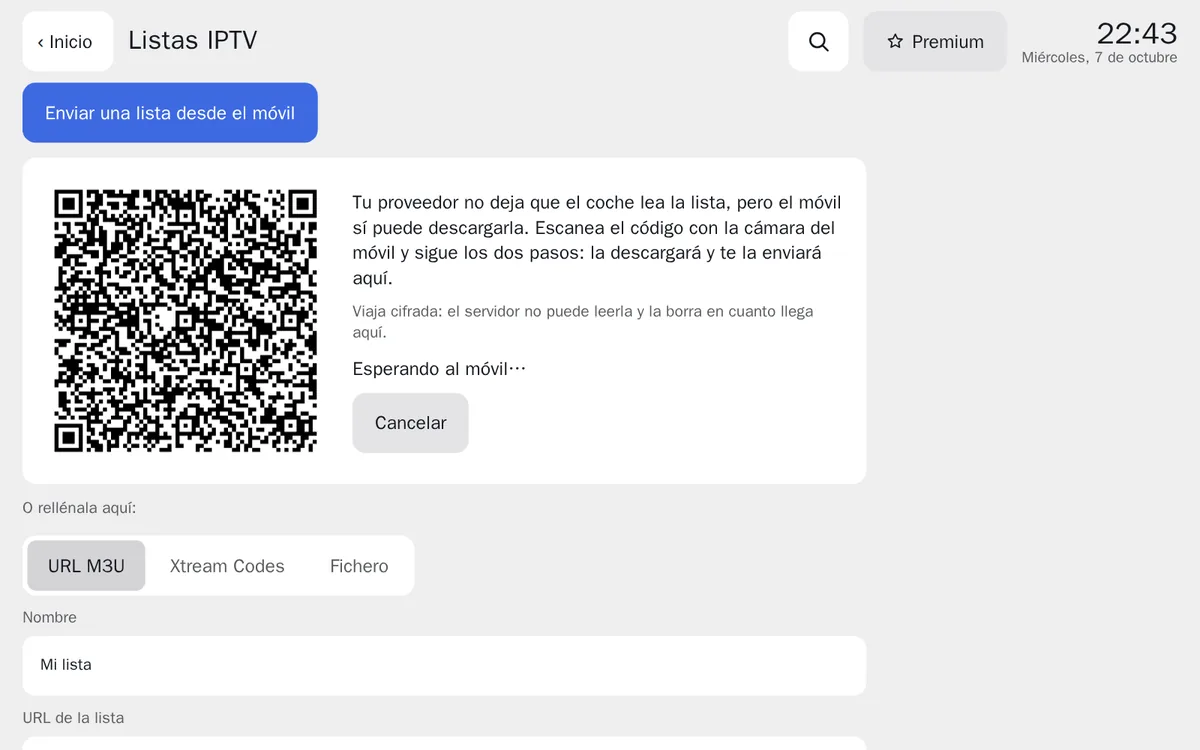
The car cannot read the list and shows the code for your phone. - On the phone, step 1: tap Download the list. If the phone warns that the download is not safe or asks whether to keep it, accept («Keep», «Download anyway»): it is your list, coming from your provider. It is usually several megabytes and may take a moment.
- On the phone, step 2: tap the file button and pick the file you just downloaded. It is in
Downloads and may be called
get.php,gets.php,tv_channels….m3uor similar.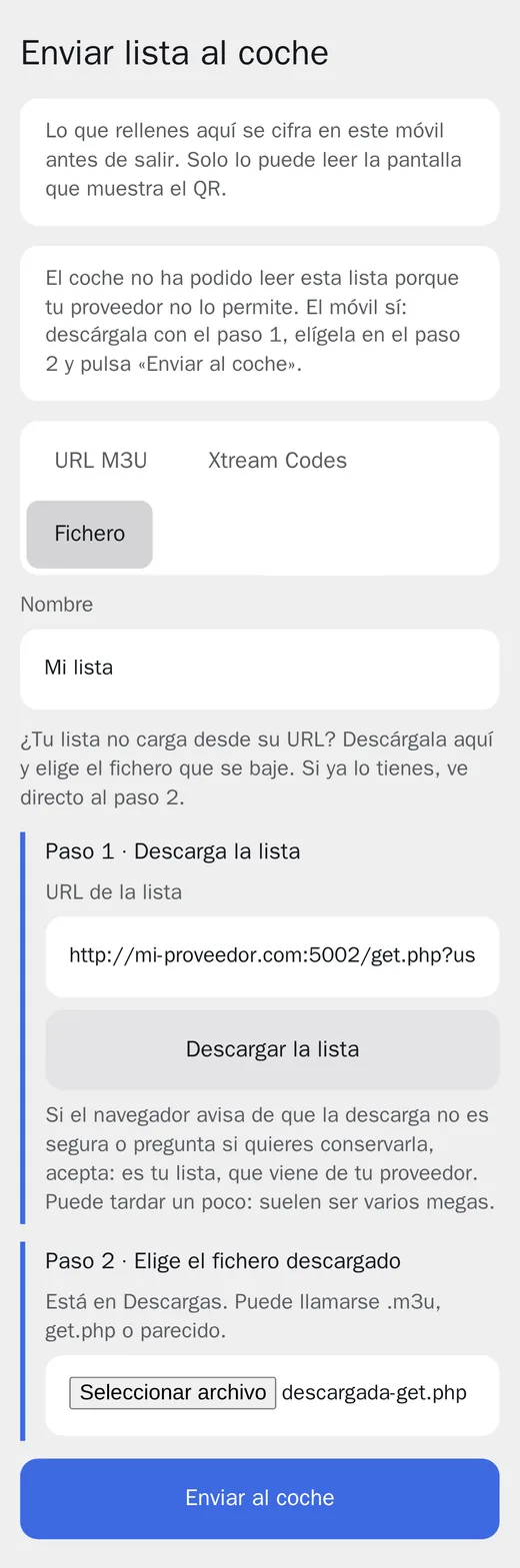
On the phone: the URL is already there; download, pick the file and send. - Tap Send to car. In a few seconds the car checks it and opens your channels.
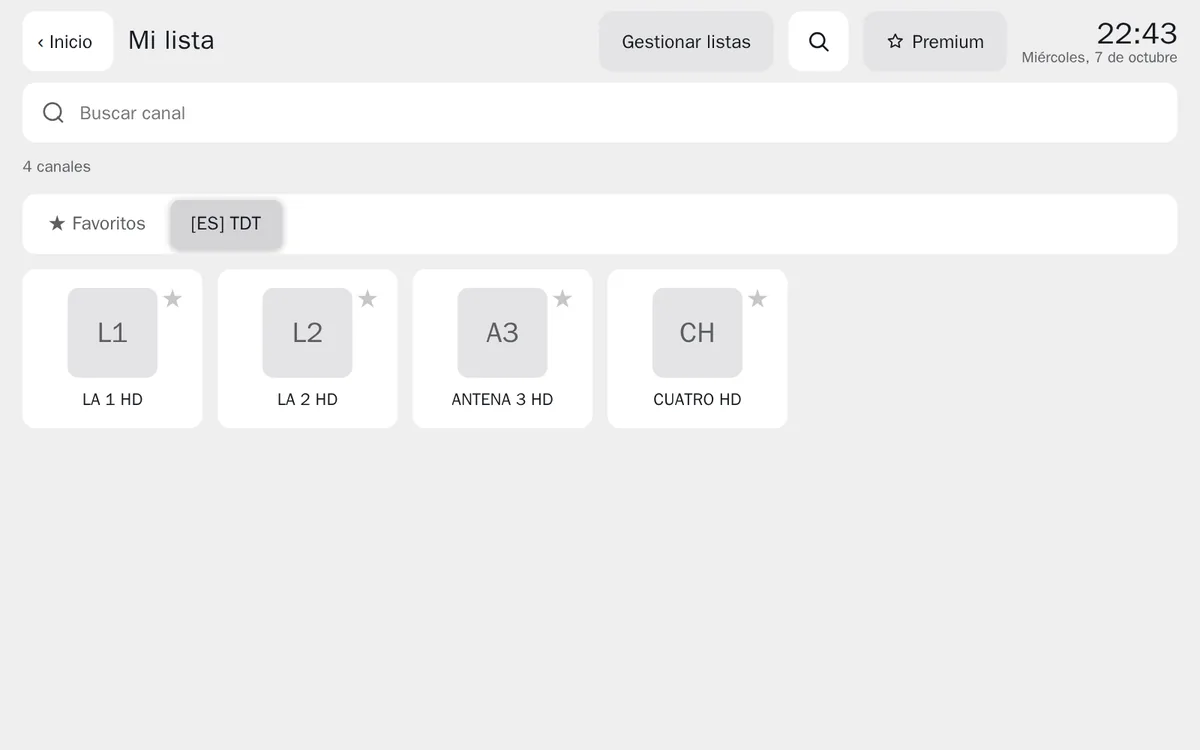
The list, now in the car.
On iPhone
Safari asks whether you want to download the file: tap Download. If instead of downloading it
shows a long text starting with #EXTM3U, tap Share → Save to Files and then, in step
2, pick it in Files → Downloads.
From a computer, without a phone
To watch the list on the computer itself you don't need your phone. When you save a list the provider won't let be read, Frunk.tv switches to the File tab by itself with the URL already filled in (if it is http, tap Download it in compatible mode first): tap Download the list, pick the downloaded file (or drop it on the page) and Save list. That list stays on the computer: files don't travel to the car with Premium's sync, so for the car use the code from the step by step.
Without the car's code
You can also start from your phone: in the car, in IPTV, tap Send a list from your phone, scan the code and choose File. Paste your list's URL there in step 1 and carry on the same way.
What happens to your data
The list is downloaded to your phone, straight from your provider; Frunk.tv's server neither asks for it nor sees the URL. From the phone to the car it travels encrypted: the server only keeps, for a few minutes, a package it cannot read. In the car it stays in its browser.
The channels play just as with any other list: the video goes from your provider to the car. Keep in mind that many providers only allow one channel at a time per account, and that a list saved as a file does not update itself: if your provider adds channels, send it again.
Frequently asked questions
- Why does my IPTV list load in other apps but not in the car?
- Apps read the list directly; a web page, like Frunk.tv in the car's browser, can only read it if the provider allows it (CORS headers). Many don't. Downloading it does work, and that is what your phone does.
- Will the channels play afterwards?
- It depends on the provider, but usually yes: most block the list, not the channels. If the list loads and no channel starts, the provider blocks the streams too and they cannot be watched in a browser.
- Does Frunk.tv see my list or my password?
- No. Your phone downloads it straight from your provider and sends it to the car encrypted; Frunk.tv's server only keeps, for a few minutes, a package it cannot read.
- Do I have to send it again?
- Only if your provider changes the channels: a list sent as a file does not update itself.