Radio in a Tesla, even without an FM tuner
Some Teslas have no FM or AM radio, and in those that do, not every station comes in. Over the internet they do: Frunk.tv brings your country's radio stations and music from all over the world to the car's browser, and they keep playing while you drive.
Step by step
- Open the car's browser and type frunk.tv.
- Tap Radio. The first tab has your country's name and its stations, most popular first, then the national ones and then by region, with a search box.
- Tap a station.
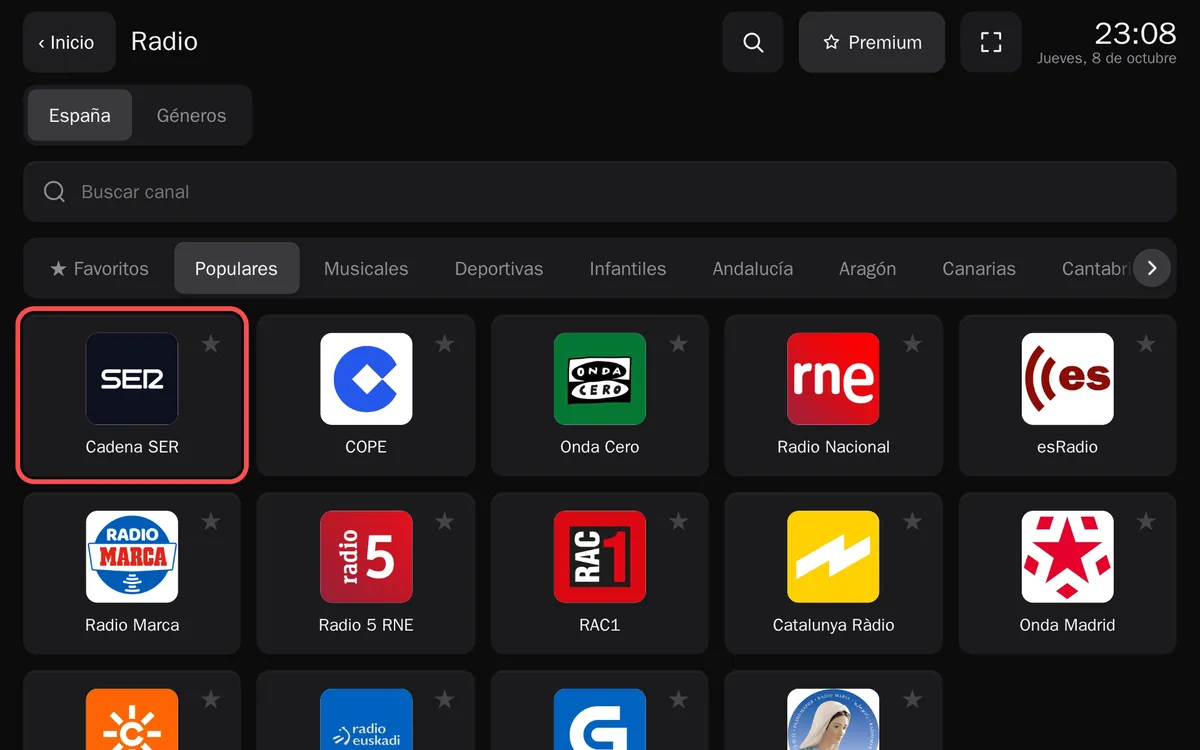
Radio, here with the country tab of Spain: the popular ones first. - It plays in the bar at the bottom, which stays there when you change section. Mark your stations with ★ to
have them at hand in Favorites. The Radio tile on Home shows what is playing and your favorites, and starts
them with one tap.
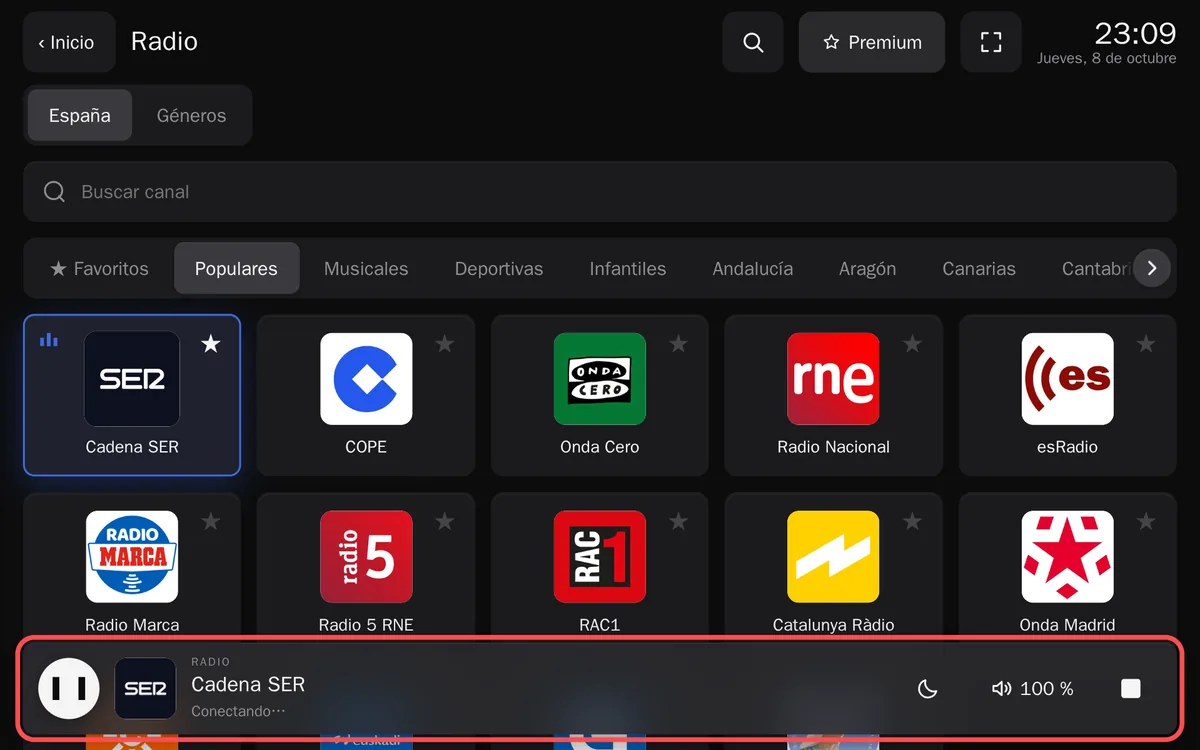
The audio bar: pause, sleep timer (the moon), volume up to 300 % and stop.
Which stations
Outside Spain, the country tab lists up to 300 stations from Radio Browser, the community directory: the most voted by its listeners first, then the national networks and then local stations by region. Frunk.tv takes the car's country, and it can be changed in «Language and country», at the bottom of Home. In Spain the tab has about 900 stations, national, regional and local. To hear Spain's, tap the flag button at the top of Radio and pick Spain; Radio keeps its own country, separately from Television and Podcasts. More in Living outside Spain.
Full screen: Playing
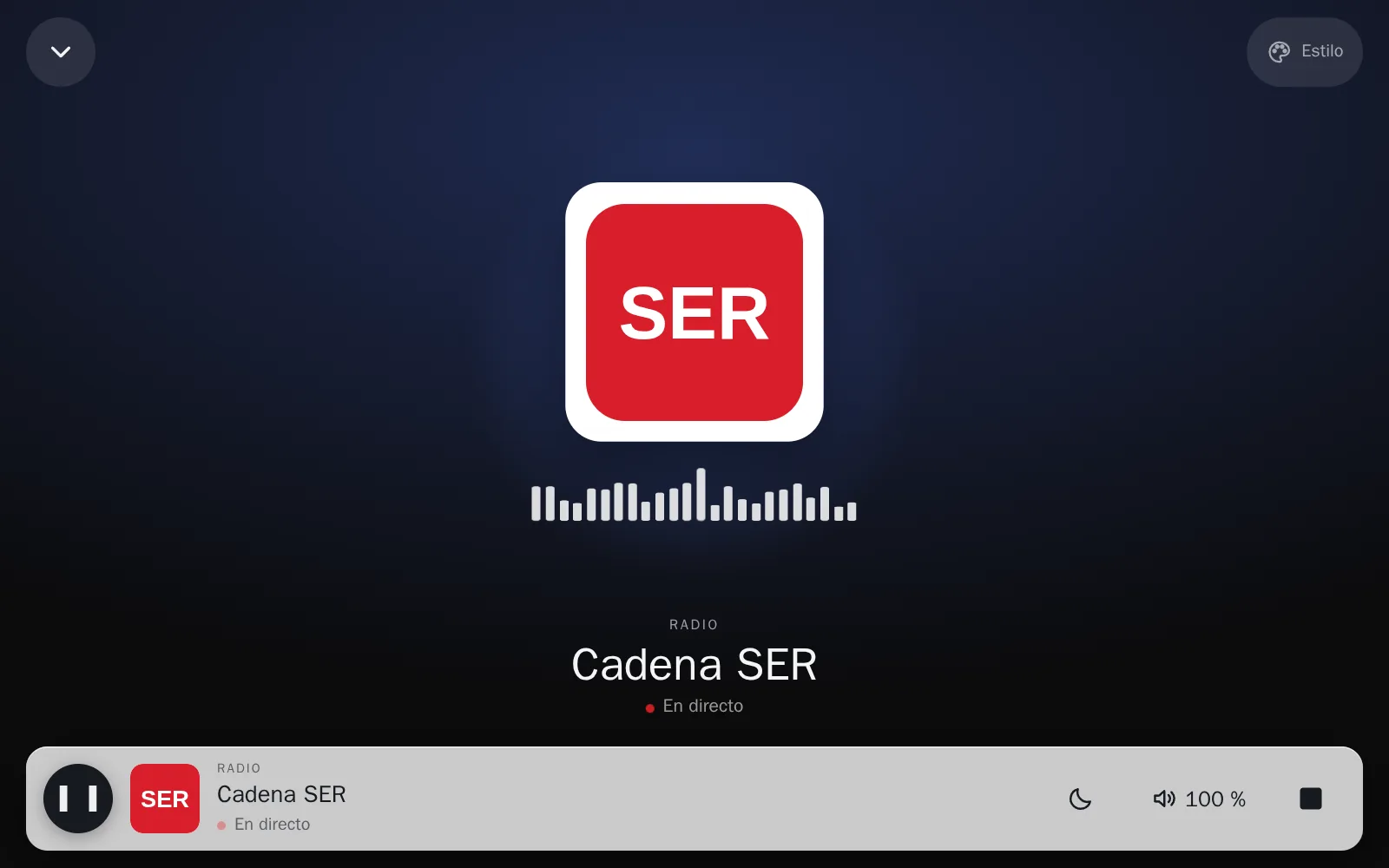
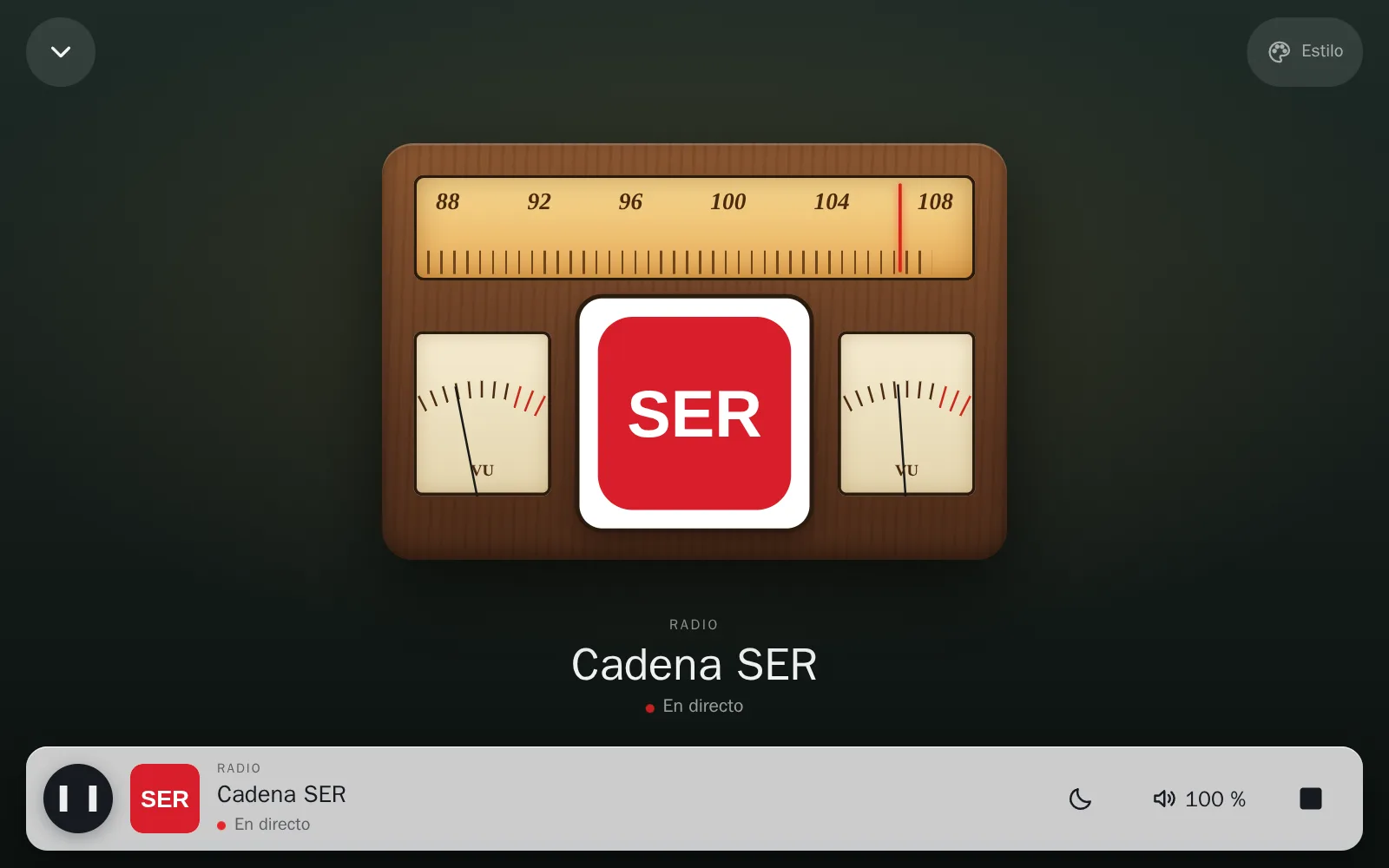
Tap the artwork or the station's name in the audio bar and Playing opens: what you are listening to, full screen, with its logo large. It works the same with podcasts and audiobooks. The bar stays at the bottom with its buttons, and the arrow at the top left closes the view.
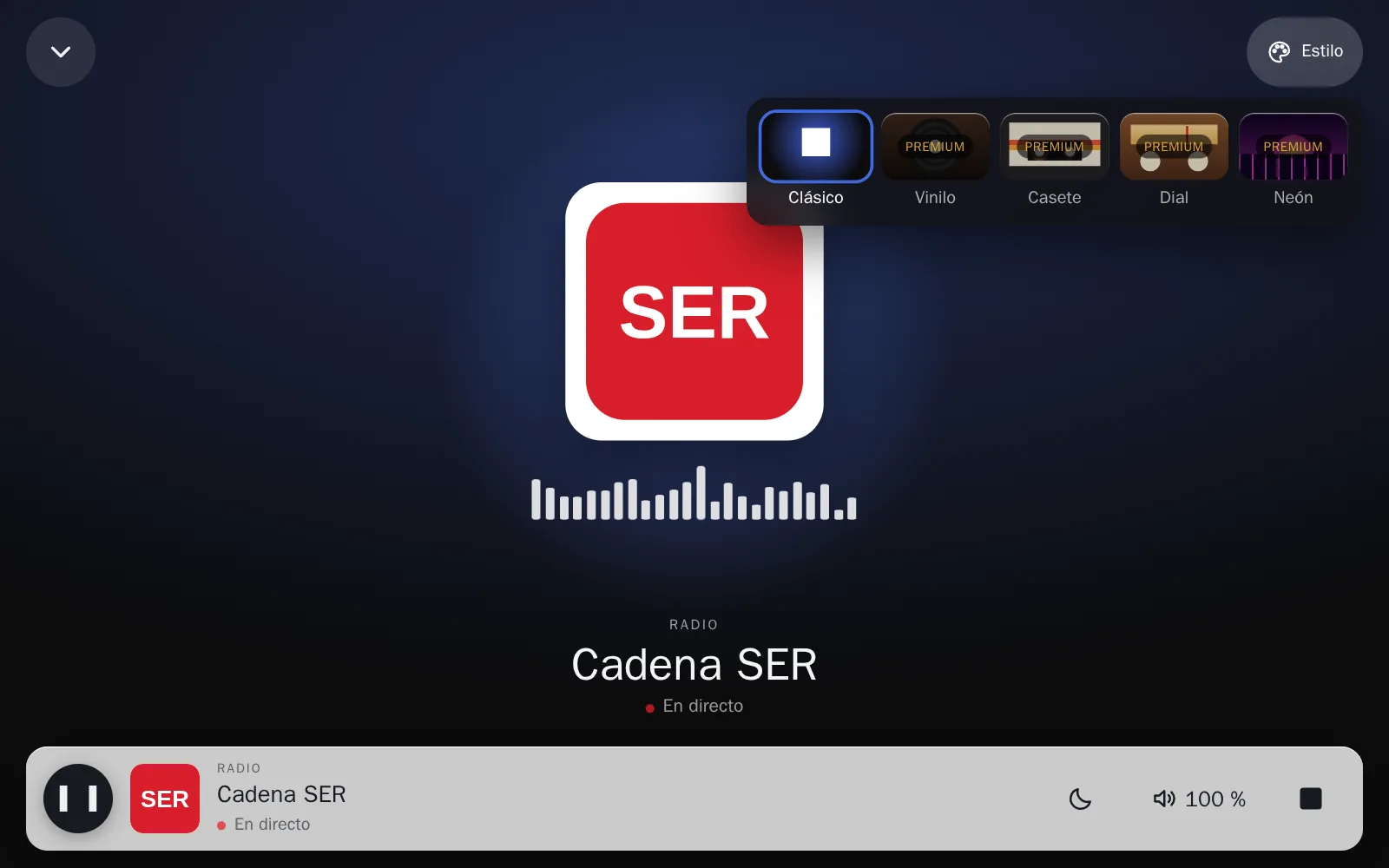
With premium, Style (top right) dresses it as a retro player: Vinyl, a turntable with the logo on the record; Cassette, with its reels turning; Dial, a valve radio whose needle stops at a different spot for each station; or Neon, a synthwave sun. It can also be chosen in Edit Home → Wallpaper and cards → Player, and it goes to your other devices with the rest of Home. Without premium they show the Premium label.
At Halloween, from 15 October to 2 November, Pumpkin also appears, a night with bats and fog: anyone can try it for a few seconds, and with premium it stays forever.
Music by genre
The Genres tab gathers music stations from all over the world, by style, from Radio Browser, plus an ad-free selection: SomaFM, Radio Paradise, FIP or Radio Swiss.
While you drive
The car only blocks video while driving; audio goes on. Frunk.tv's radio plays with the car out of Park and in the half-screen browser, the one that stays open while you drive. If a stream drops, Frunk.tv tries the station's next source by itself, and if you lose coverage, in a tunnel for example, it reconnects as soon as there is signal.
The sleep timer, the moon in the audio bar, turns the sound off after 15, 30 or 60 minutes, fading it out little by little.
If it sounds quiet
Many internet stations sound quieter than the car's radio. Frunk.tv has its own volume, from 100 % to 300 %, with a limiter so it does not distort. It is in the audio bar and in «Sound».
Station missing?
If a station is not listed but you have its stream address in an IPTV list (lists can carry audio: mp3, aac, ogg…), you can add it in IPTV and it will play just the same, also while driving.
Frequently asked questions
- My Tesla has no FM radio, how do I listen to the radio?
- Over the internet, from the browser: type frunk.tv and open Radio. Your country's stations are there, from the Radio Browser directory, plus music stations by genre from all over the world.
- Does the radio keep playing while I drive?
- Yes. The car only blocks video while driving; audio goes on, also when you change section within Frunk.tv.
- The radio is quieter than the rest of the car, can I turn it up?
- Yes. Frunk.tv has its own volume, from 100 % to 300 %, in the audio bar. It works with most stations; on those that don't allow it, it stays at 100 % and the bar says so.