Frequently asked questions
Frunk.tv is a web hub for the Tesla browser: television, radio, podcasts, audiobooks, news, the electricity price, traffic and routes with Carretera, your IPTV list and games in a single page, with big touch targets. These are the questions we get most.
Yours isn't here? Ask in the Telegram group @frunktv.
Frequently asked questions
- Is Frunk.tv free?
- Yes. There is no account to create and nothing to install: you type frunk.tv in the car's browser. Apart from that there is an optional premium, a single payment per car, with a Telegram account and an encrypted automatic backup.
- Do I need Tesla's Premium Connectivity?
- The car's browser only works over the car's own mobile network with Premium Connectivity. Without it, it works with the car on Wi-Fi or on your phone's hotspot.
- Does it work on the Model Y, Model S and Model X?
- Frunk.tv is made for the Model 3 and Model Y screen, full screen and half screen. On the Model S and Model X it opens in their browser, but Frunk.tv doesn't recognise their screen and treats it as a computer's.
- Is Frunk.tv related to Tesla?
- No. It is an independent project, with no relation to Tesla, Inc.; «Tesla» only says which car it is made for.
- Does it work outside Spain?
- Yes. TV, radio, podcasts, news and the electricity price follow the car's country: official free TV streams in 28 countries besides Spain, your country's radio stations and podcast charts, newspapers of their own in 12 countries and the power price in 17 European ones.
- Some channels are missing, can I add more?
- Yes, with your own IPTV list: tap «Add list» on the IPTV tile on Home (step by step). Frunk.tv does not sell lists and has no relation whatsoever with any provider or with anyone's list; your list is kept privately in the car's browser, like the rest of your data, and you are responsible for what it contains.
- A car update wiped my lists, can I get them back?
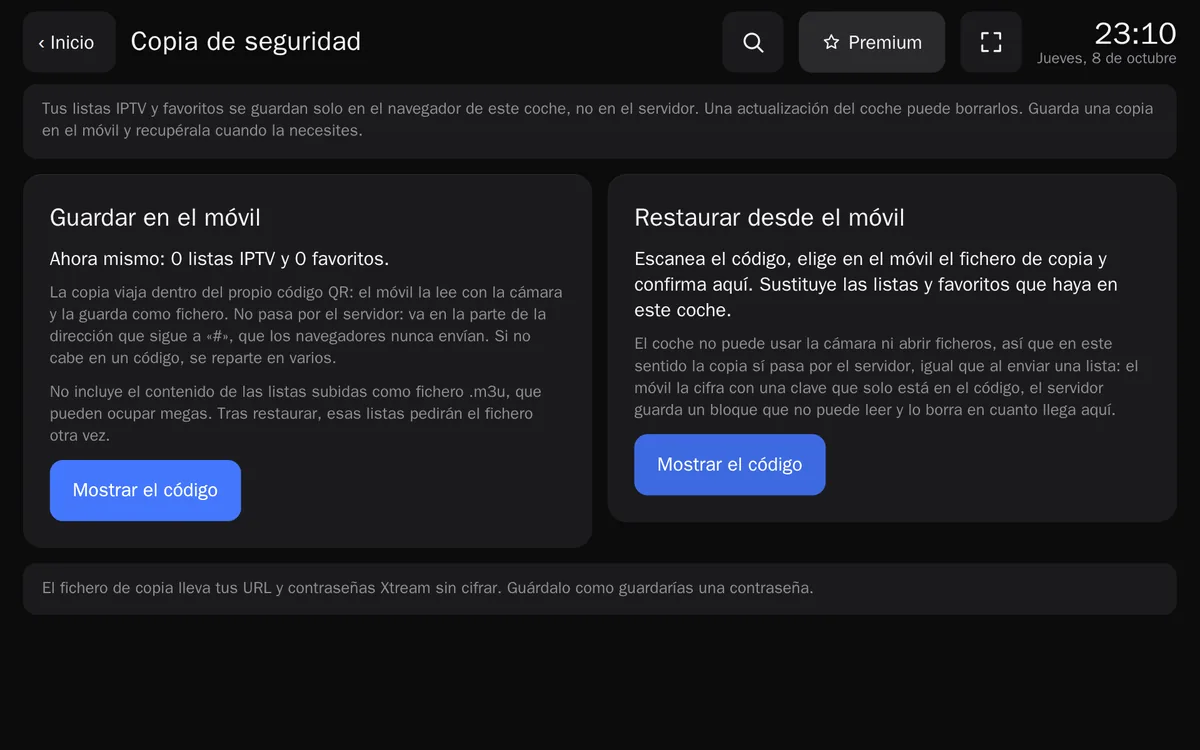
- If you made a backup, yes. An update can wipe the browser's storage, so Frunk.tv lets you copy to your phone with QR codes your favorites, IPTV lists, Home, the language, the volume and where you are in each episode, and restore them later. Of lists uploaded as a file the name is copied: the file has to be given again. With premium the backup is automatic: the car asks and gets it all back.
- What data does Frunk.tv keep?
- Without premium, nothing that identifies you: favorites, lists and IPTV passwords stay in the car's browser. Visits are counted anonymously and without cookies, never noting which channel or station you play. With premium, your Telegram user and your purchases; what is synced is end-to-end encrypted. The details are in the privacy policy and in Frunk.tv's Help.
- Can I use it from a computer or a phone?
- Yes. On a computer Frunk.tv notices: files are picked or dropped, news open in another tab and the keyboard plays the games. It also works on a phone or a tablet, with the touchscreen.
- Which languages is it in?
- In the car's language: English, Spanish, German, French, Dutch, Italian or Portuguese; any other language gets English. TV, radio, podcasts, news and the electricity price follow the car's country. Both are changed in «Language and country», at the bottom of Home. Television, Radio and Podcasts can each follow their own country, with the flag at the top of each section.